5 Ways Restaurants Use Guest Wi-Fi for Marketing Success
Discover how leading restaurants leverage guest Wi-Fi data to drive repeat visits and increase customer loyalty.
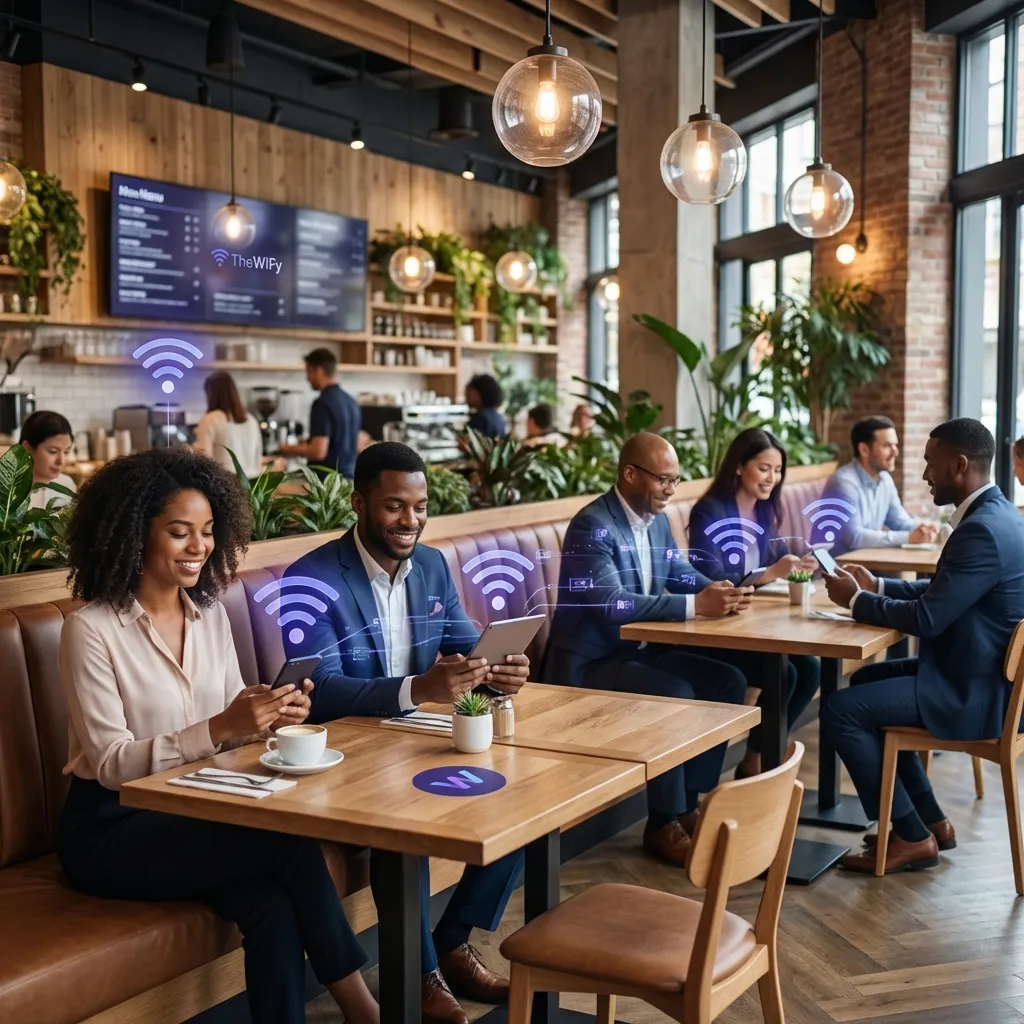
Why WiFi Is a Restaurant's Best Marketing Tool
Every guest who connects to your WiFi is handing you their contact details in exchange for internet access. That's a marketing channel most restaurants ignore. With a branded captive portal, you capture verified emails, phone numbers, and social profiles — automatically, at the moment when guests are most engaged with your venue.
Here are five proven strategies restaurants use to turn guest WiFi into measurable marketing ROI.
1. Capture Guest Data at Login
The captive portal is your lead generation form. Configure it to collect exactly what you need for follow-up marketing:
- Email address — for newsletters and promotional campaigns
- Phone number — for SMS offers (opt-in required)
- Social login — Facebook or Google login captures name, email, and profile photo instantly
- Marketing consent — GDPR-compliant opt-in checkbox captures permission at the point of login
✅ Real Result
A London cafe chain captured 4,200 verified email addresses in 3 months using Facebook social login on their captive portal — with a 73% opt-in rate for marketing.
2. Run Automated Return Visit Campaigns
Once you have guest contact data, set up automated campaigns triggered by visit behaviour:
- Welcome email — sent within 1 hour of first visit with a discount code for next visit
- "We miss you" SMS — sent 14 days after last visit to lapsed guests
- Birthday offer — if captured via social login, send a birthday voucher
- Weekend special — blast SMS to all opted-in guests on Thursday for weekend bookings
Guest WiFi turns every visit into a remarketing opportunity.
3. Use the Splash Page for Promotions
Your captive portal splash page is prime advertising real estate. Every guest sees it before getting online. Use it to:
- Promote today's specials or happy hour deals
- Advertise new menu items with high-quality food photos
- Cross-promote delivery/takeaway services
- Display Google review prompts after login
- Show partner or supplier promotions (earn ad revenue)
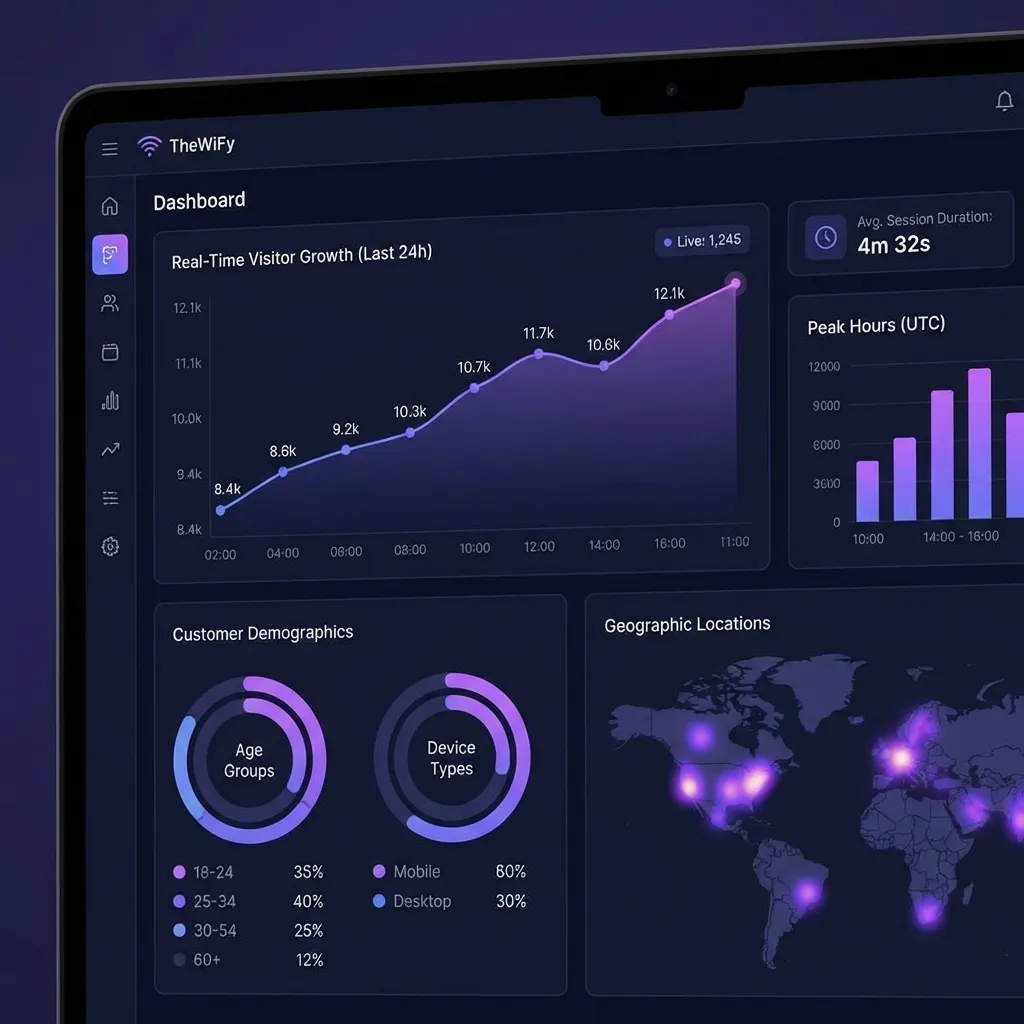
4. Analyse Guest Behaviour
WiFi analytics give you insights that POS data alone cannot:
- Dwell time — how long guests stay (useful for table turnover planning)
- Peak hours — when most guests connect (align staff schedules)
- Return visit frequency — identify loyal customers vs one-time visitors
- New vs returning — measure how well your campaigns drive repeat visits
- Device mix — iOS vs Android tells you about your audience demographics
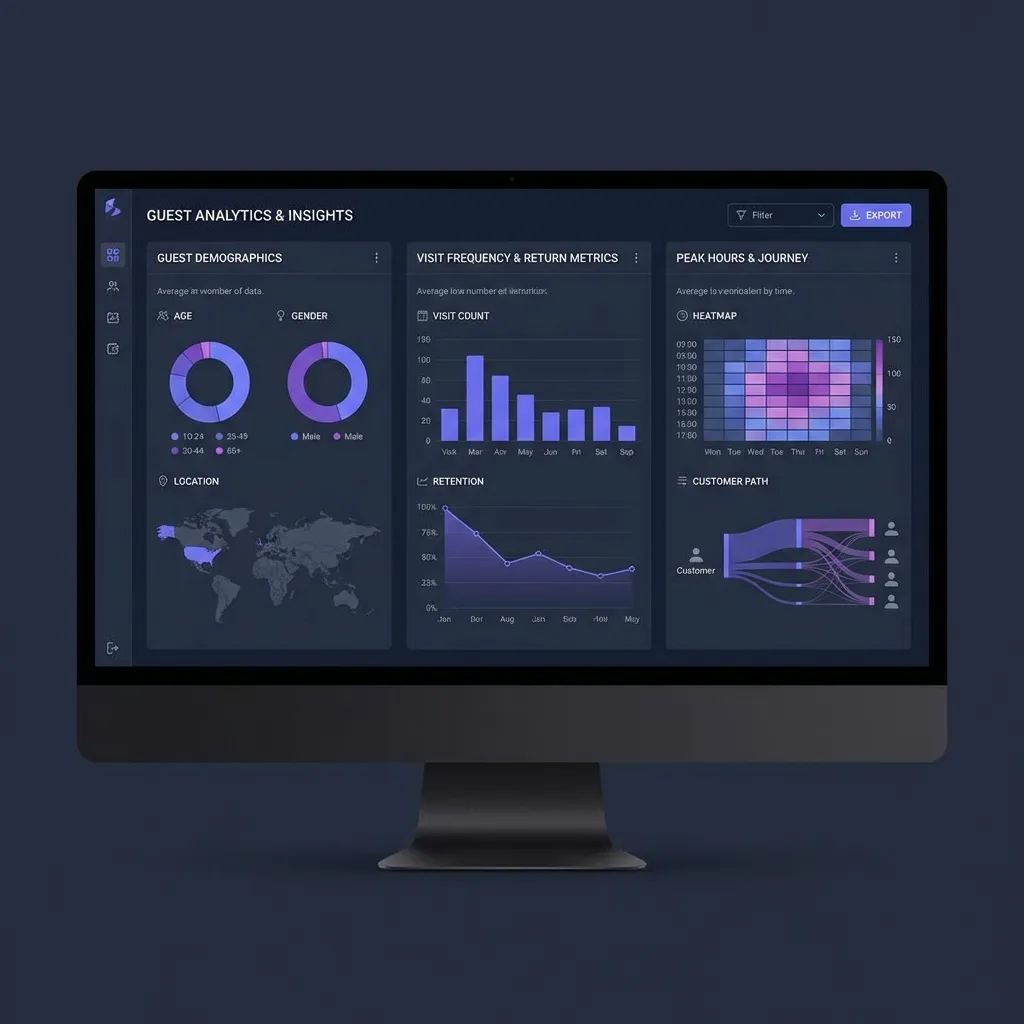
Real-time guest analytics show visit patterns and trends.
5. Sell Premium WiFi Access
For restaurants with high dwell times (coworking-friendly cafes, hotel restaurants), consider tiered WiFi access:
- Free tier — 30 minutes at 2 Mbps (enough to check social media)
- Premium tier — unlimited time at 20 Mbps for a small fee or with food purchase
- Voucher system — print WiFi access codes on receipts (ties WiFi to spending)
Getting Started
Turn WiFi into a Marketing Channel
Capture guest data at login and run targeted campaigns to drive repeat visits.
Book a DemoRelated Articles
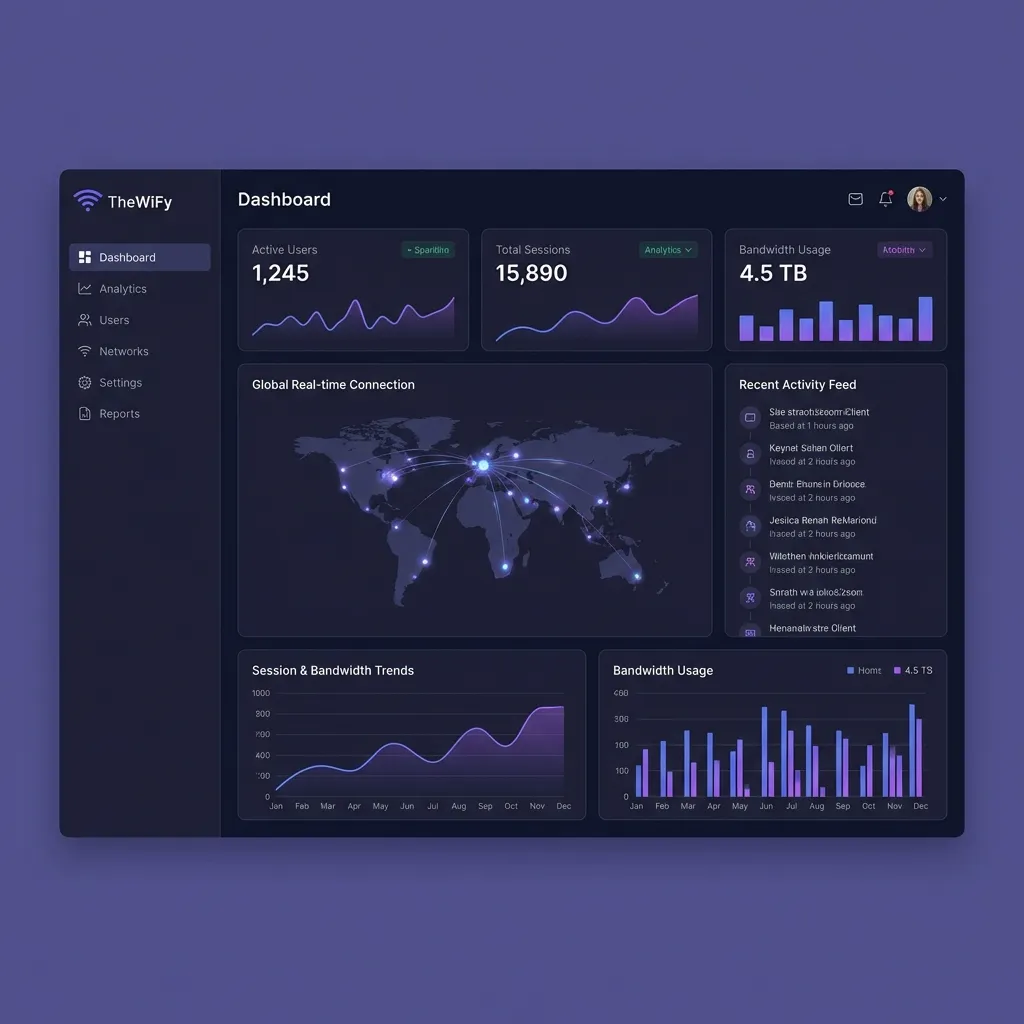
Complete Guide: Setting Up Guest Wi-Fi on MikroTik with TheWiFy
Step-by-step tutorial to configure secure guest Wi-Fi on your MikroTik router using TheWiFy's cloud authentication engine.
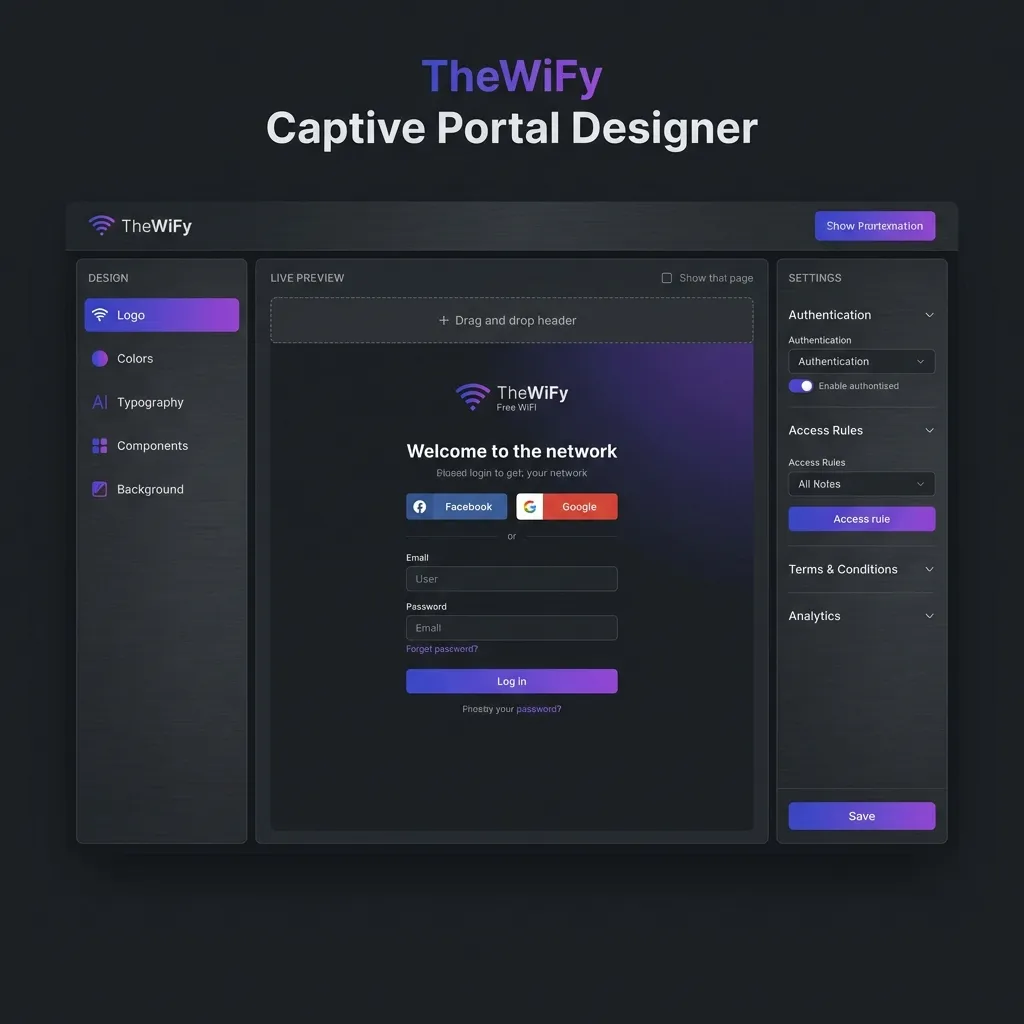
Captive Portal Design: Best Practices for Guest Wi-Fi
Learn how to create branded, conversion-optimized captive portals that enhance guest experience and collect valuable data.
Guest Wi-Fi Security & Compliance: Everything You Need to Know
Comprehensive guide to securing your guest Wi-Fi network and ensuring GDPR, HIPAA, and PCI-DSS compliance.