Captive Portal Design: Best Practices for Guest Wi-Fi
Learn how to create branded, conversion-optimized captive portals that enhance guest experience and collect valuable data.
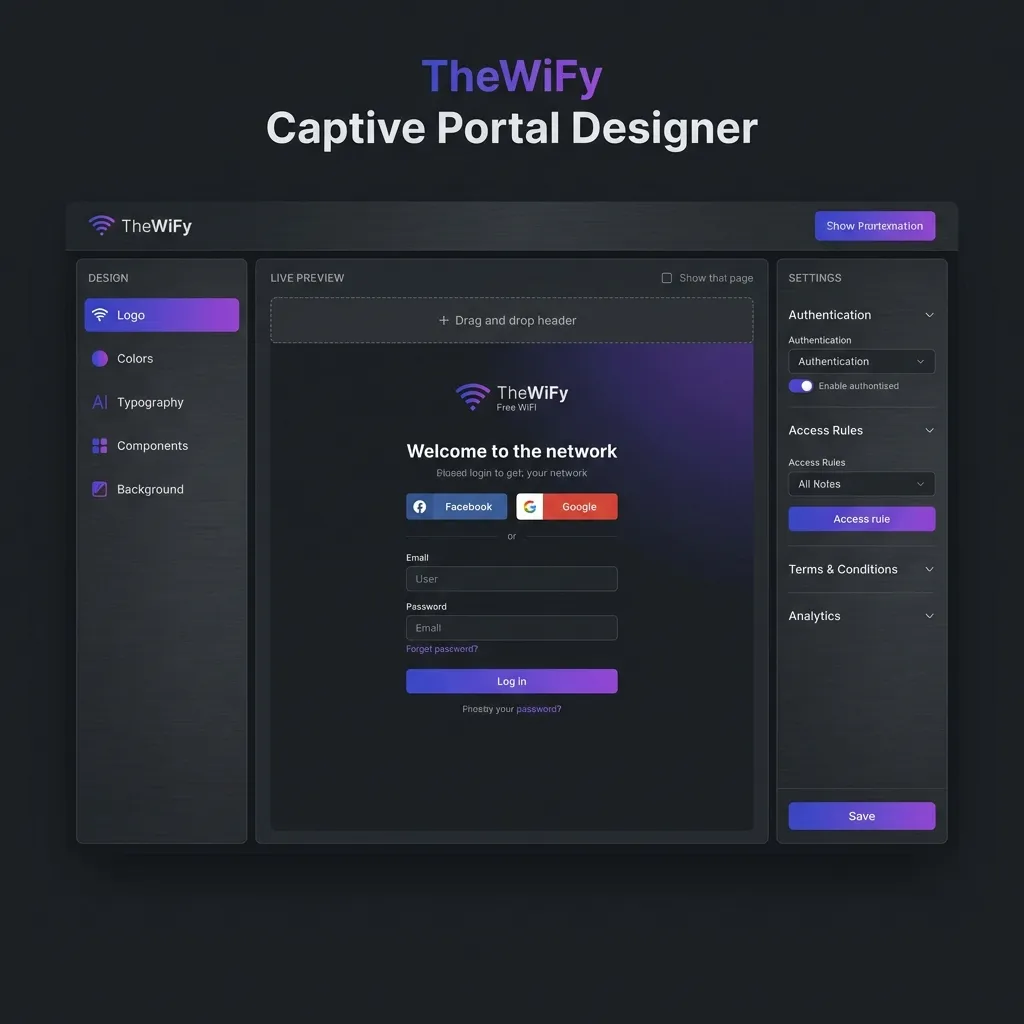
What a High-Performing Portal Includes
1) Lead with a Simple Promise
Guests are trying to get online, not read a paragraph. Keep the headline short and action-oriented: tell them what they get and how fast it will be.
- Use a single, high-contrast primary CTA (e.g., "Connect to Wi-Fi")
- Limit supporting text to one sentence
- Show your logo so guests trust the portal
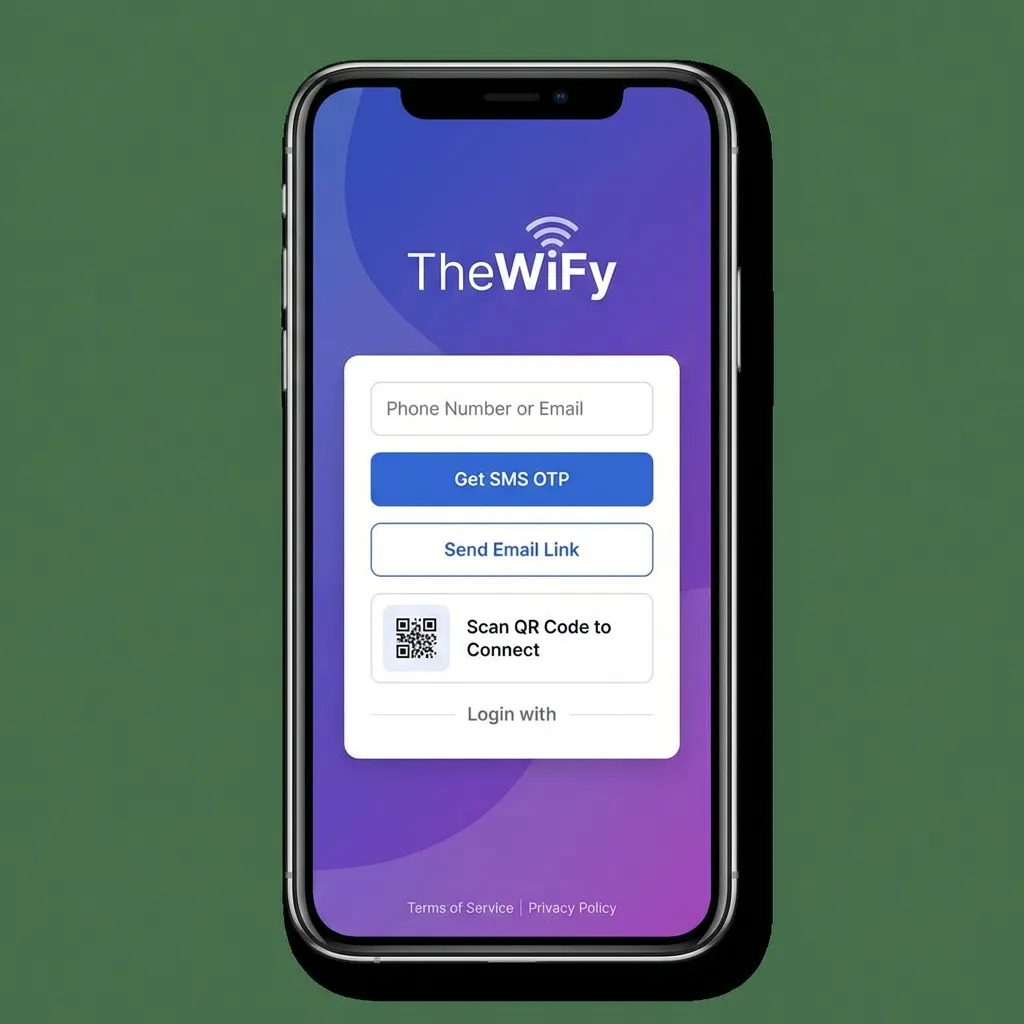
A clean, branded layout reduces drop-off during login.
2) Design for Mobile First
The majority of captive portal logins happen on phones. Make tap targets large, align content in a single column, and keep fields to a minimum.
- Button height of at least 44px
- One field per line, no side-by-side inputs
- Avoid long blocks of text above the CTA
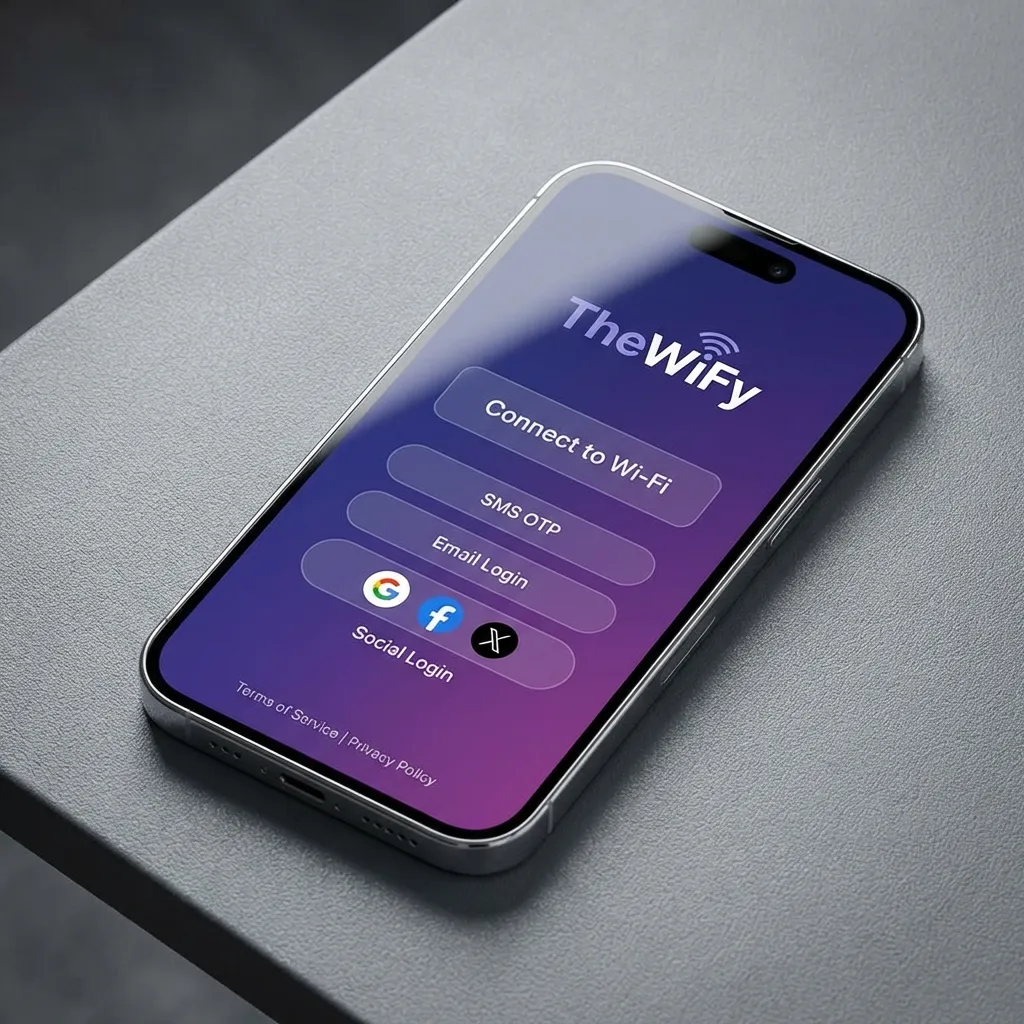
Mobile-first layouts improve completion rates.
3) Keep Authentication Friction Low
Offer multiple login options, but keep the primary path obvious. SMS OTP and email verification are widely accepted and work across devices.
- Use one primary option and show alternatives below
- Explain why you collect data (for access/security)
- Avoid long forms during first-time login
4) Brand It Without Slowing It Down
Branding increases trust, but heavy assets slow load time on congested networks. Use optimised images and limit animations.
⚡ Performance Tip
Keep hero images under 200KB. Fast portals convert better in real-world WiFi conditions.
5) Capture Only What You'll Use
Collecting too much data reduces conversions. Ask for just enough to deliver a great guest experience and use it in your marketing stack.
Sync guest data to your CRM for smarter follow-ups.
6) Respect Privacy and Compliance
A clear consent checkbox and privacy link builds trust and keeps you compliant. Make the terms accessible without forcing a long scroll.
- Include a short consent statement near the CTA
- Link to privacy policy and terms
- Store audit logs for compliance requirements
7) Make Post-Login Useful
After login, redirect guests to a helpful page: store hours, menus, or current promotions. It's a missed opportunity if you send them straight to a blank page.

A post-login landing page keeps guests engaged.
A Simple Launch Checklist
- Test on three devices (iOS, Android, laptop)
- Verify load time on a throttled connection
- Confirm all links and consent boxes work
- Validate email/SMS flows end-to-end
- Check post-login redirect and analytics
Want a Portal That Converts?
TheWiFy's Portal Studio lets you build branded, high-performing captive portals in minutes.
See Portal StudioRelated Articles
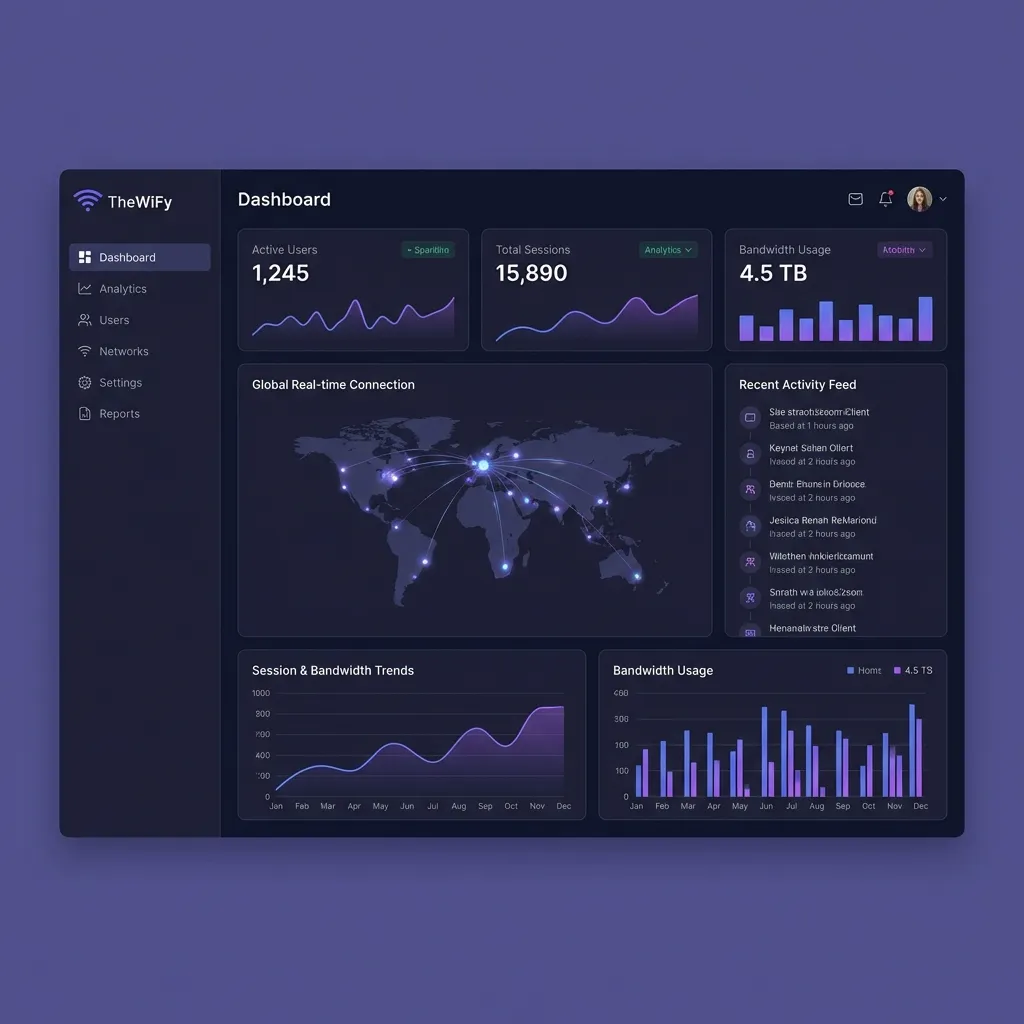
Complete Guide: Setting Up Guest Wi-Fi on MikroTik with TheWiFy
Step-by-step tutorial to configure secure guest Wi-Fi on your MikroTik router using TheWiFy's cloud authentication engine.
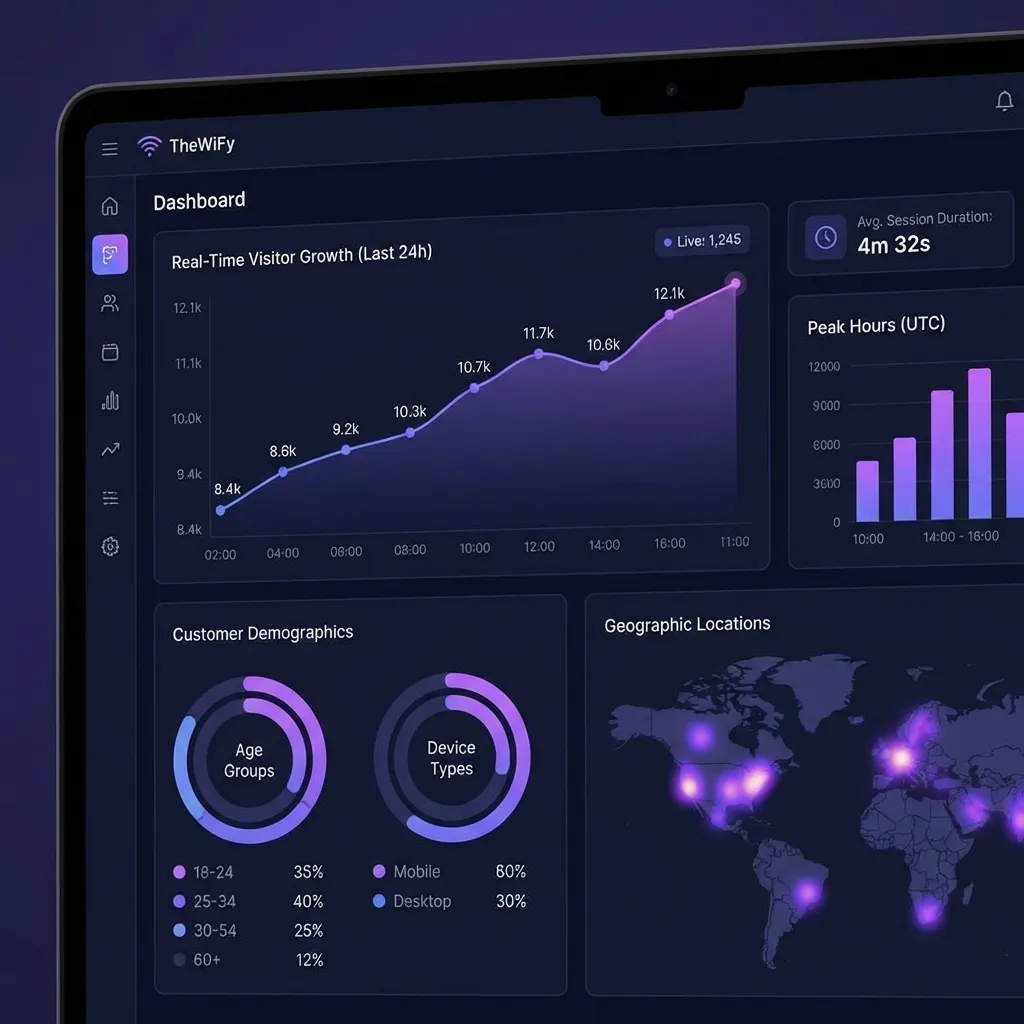
Guest Wi-Fi Security & Compliance: Everything You Need to Know
Comprehensive guide to securing your guest Wi-Fi network and ensuring GDPR, HIPAA, and PCI-DSS compliance.
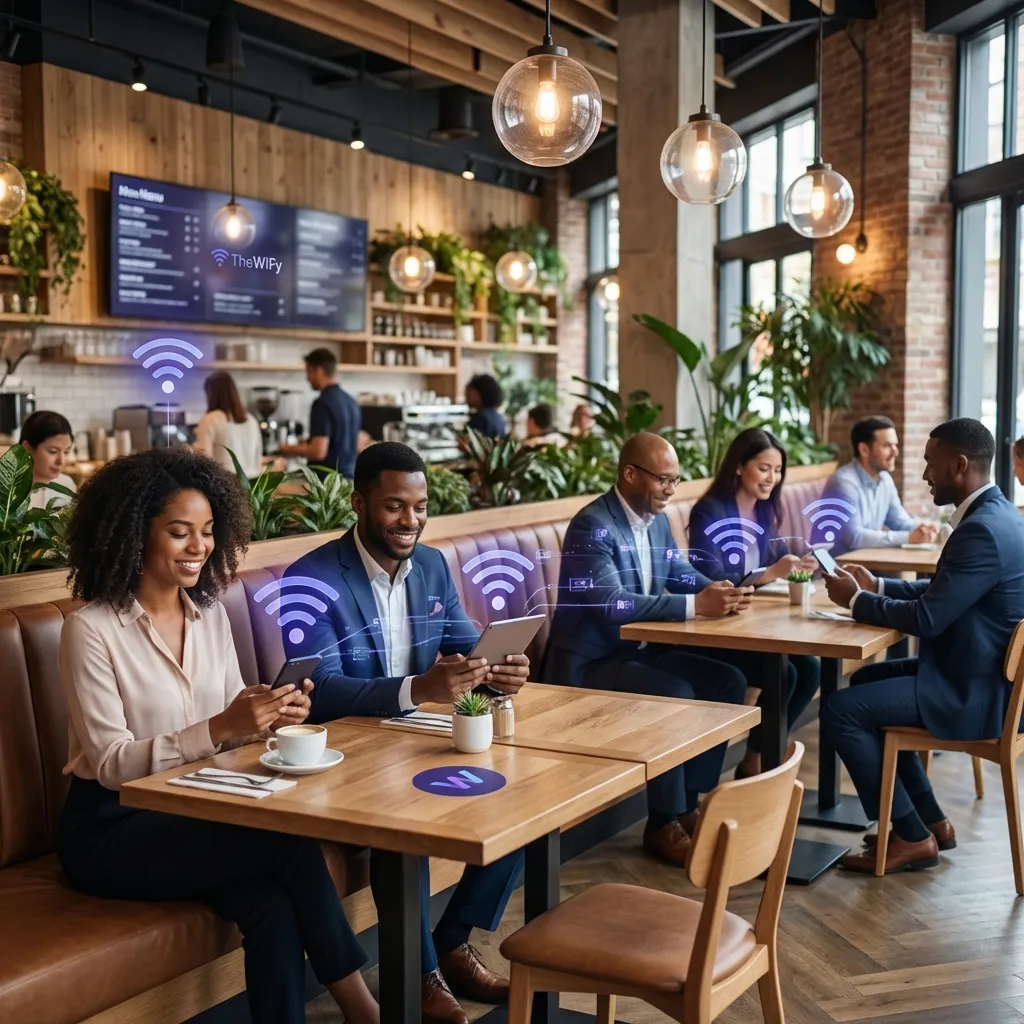
5 Ways Restaurants Use Guest Wi-Fi for Marketing Success
Discover how leading restaurants leverage guest Wi-Fi data to drive repeat visits and increase customer loyalty.