Guest Wi-Fi Security & Compliance: Everything You Need to Know
Comprehensive guide to securing your guest Wi-Fi network and ensuring GDPR, HIPAA, and PCI-DSS compliance.
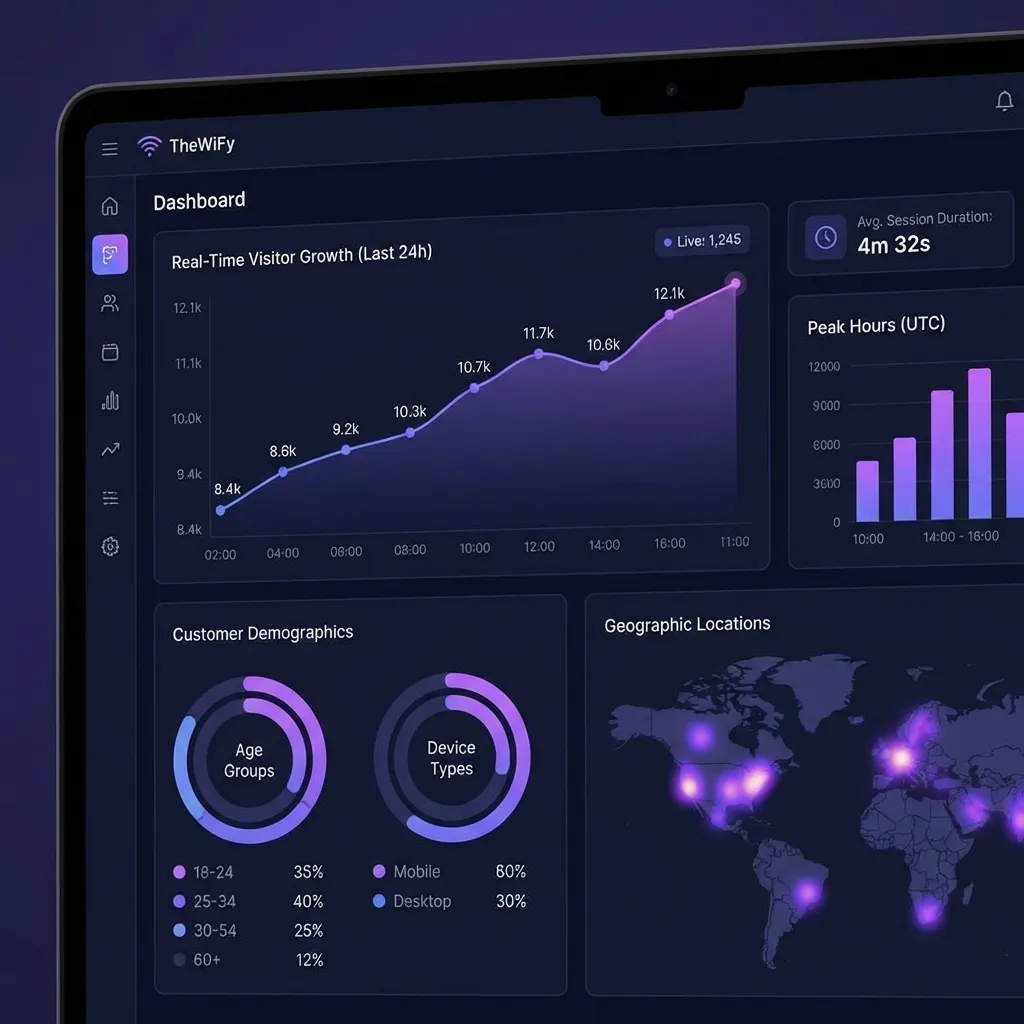
Why Guest WiFi Security Matters
Open guest WiFi networks are a liability. Without authentication, you have no visibility into who is using your network, no audit trail for compliance, and no way to enforce fair usage. Regulators increasingly expect businesses to authenticate WiFi users and protect the data they collect.
Cloud RADIUS authentication solves this. Every guest session is authenticated, logged, and enforceable — without the complexity of running your own RADIUS server.
Key Security Principles
GDPR Compliance for Guest WiFi
If you operate in the EU or serve EU citizens, GDPR applies to every piece of personal data you collect through your captive portal — names, emails, phone numbers, device identifiers, and session logs.
What GDPR Requires
- Lawful basis — You need a legal reason to collect data. Legitimate interest or explicit consent are most common for guest WiFi.
- Transparency — Tell guests what data you collect, why, and how long you keep it. Display this on the captive portal before login.
- Data minimisation — Only collect what you need. Don't ask for a full profile when an email address is enough.
- Right to erasure — Guests can request deletion of their data. Your system must support this.
- Data processing agreements — If you use a cloud provider (like TheWiFy), you need a DPA in place.
ℹ️ TheWiFy and GDPR
TheWiFy provides built-in GDPR consent capture, data retention policies, and a guest data export/delete API. All data is stored in EU data centres with encryption at rest and in transit.
Network Segmentation
Guest traffic must be isolated from your internal network. On MikroTik, this means using separate VLANs, bridge interfaces, and firewall rules to prevent guests from reaching internal resources.
# MikroTik firewall rule — block guest-to-LAN
/ip firewall filter add chain=forward \
src-address=10.10.10.0/24 \
dst-address=192.168.1.0/24 \
action=drop comment="Block guest to LAN"
Session Enforcement with CoA
Change of Authorization (CoA) allows the RADIUS server to disconnect a guest mid-session when they exceed their quota or when an admin needs to revoke access. TheWiFy sends CoA Disconnect-Request packets directly to your MikroTik router.
- Automatic disconnect when data or time quota is exceeded
- Real-time session control from the dashboard
- CoA port 3799 must be open on your router
- Works with both RouterOS 6.x and 7.x
Audit Logging
For compliance, you need a complete audit trail of who connected, when, from which device, and how much data they used. TheWiFy stores RADIUS accounting records including:
- Session start and stop timestamps
- Guest identity (email, phone, social profile)
- Device MAC address and IP assigned
- Data uploaded and downloaded per session
- Authentication method used
- Disconnect reason (timeout, quota, admin, CoA)
HIPAA Considerations
Healthcare facilities offering patient or visitor WiFi must consider HIPAA implications. While guest WiFi itself is not a covered system, the network it shares may carry ePHI traffic.
- Strict network segmentation between clinical and guest networks
- No access to medical devices or EHR systems from the guest VLAN
- Encrypted authentication (no open splash pages)
- Session logging for incident investigation
PCI-DSS and Retail WiFi
If your business processes card payments, PCI-DSS requires that the cardholder data environment (CDE) is isolated from non-essential systems — including guest WiFi.
- Guest WiFi must be on a separate network segment from payment terminals
- Firewall rules must block guest traffic from reaching POS systems
- Document your network topology and segmentation for auditors
Security Checklist
Secure Your Guest WiFi Today
TheWiFy provides enterprise-grade RADIUS authentication with GDPR-compliant guest data capture.
Get StartedRelated Articles
Complete Guide: Setting Up Guest Wi-Fi on MikroTik with TheWiFy
Step-by-step tutorial to configure secure guest Wi-Fi on your MikroTik router using TheWiFy's cloud authentication engine.
Captive Portal Design: Best Practices for Guest Wi-Fi
Learn how to create branded, conversion-optimized captive portals that enhance guest experience and collect valuable data.

5 Ways Restaurants Use Guest Wi-Fi for Marketing Success
Discover how leading restaurants leverage guest Wi-Fi data to drive repeat visits and increase customer loyalty.